
To delete a Division:
Step 1 - Go to Settings  in the upper right corner of the screen;
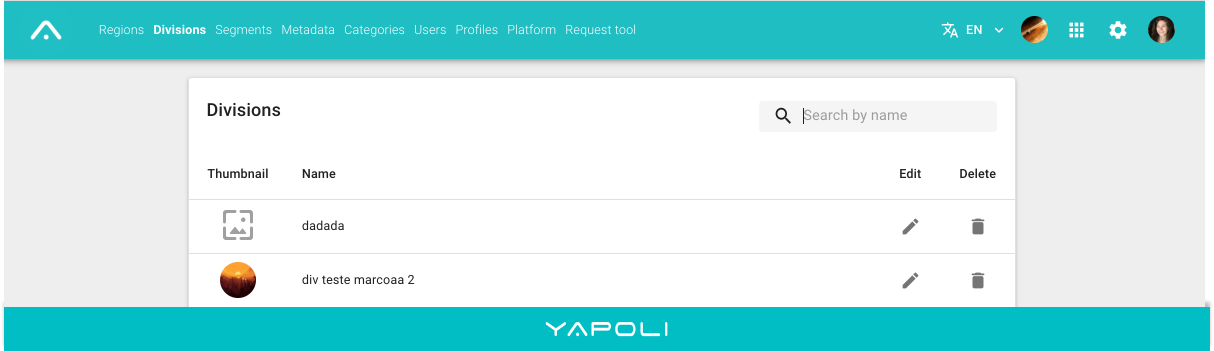
Step 2 - Click on the "Divisions" tab;
Step 3 - Search by name and click on delete
  located in front of the Division to be deleted;
Step 4 - Confirm.
NOTE: Make sure that the Division does not have any Segment attached, as well as it is not being used by any User. If Segments are linked, they must be deleted first.
Comments
0 comments
Article is closed for comments.