
To upload Assets in the Bucket:
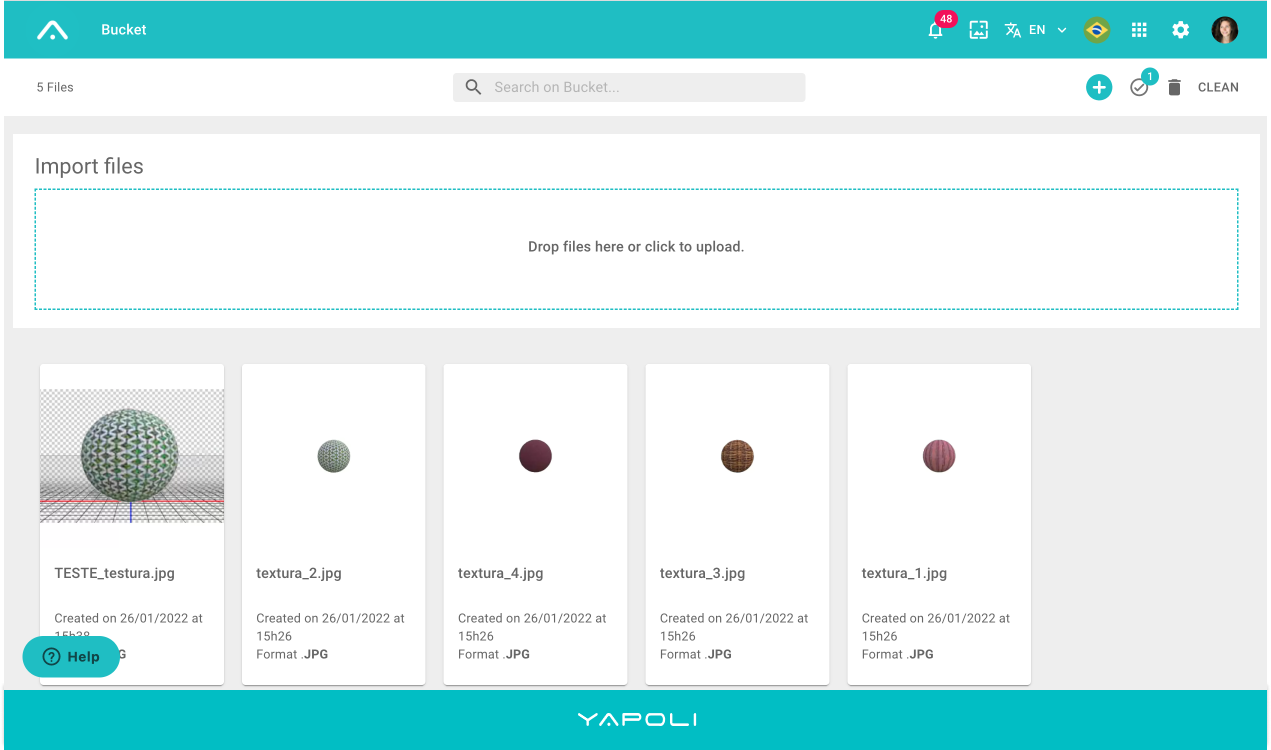
Step 1 - Click  next to Settings
  in the upper right corner of the screen;
Step 2 - The Bucket and DAM options will open;
Step 3 - Click on Bucket;
Step 4 - Click on the dotted area and you will be redirected to your computer's folder window to select the Assets;
Step 5 - Select the desired assets or drag them to this area and the upload will start automatically.
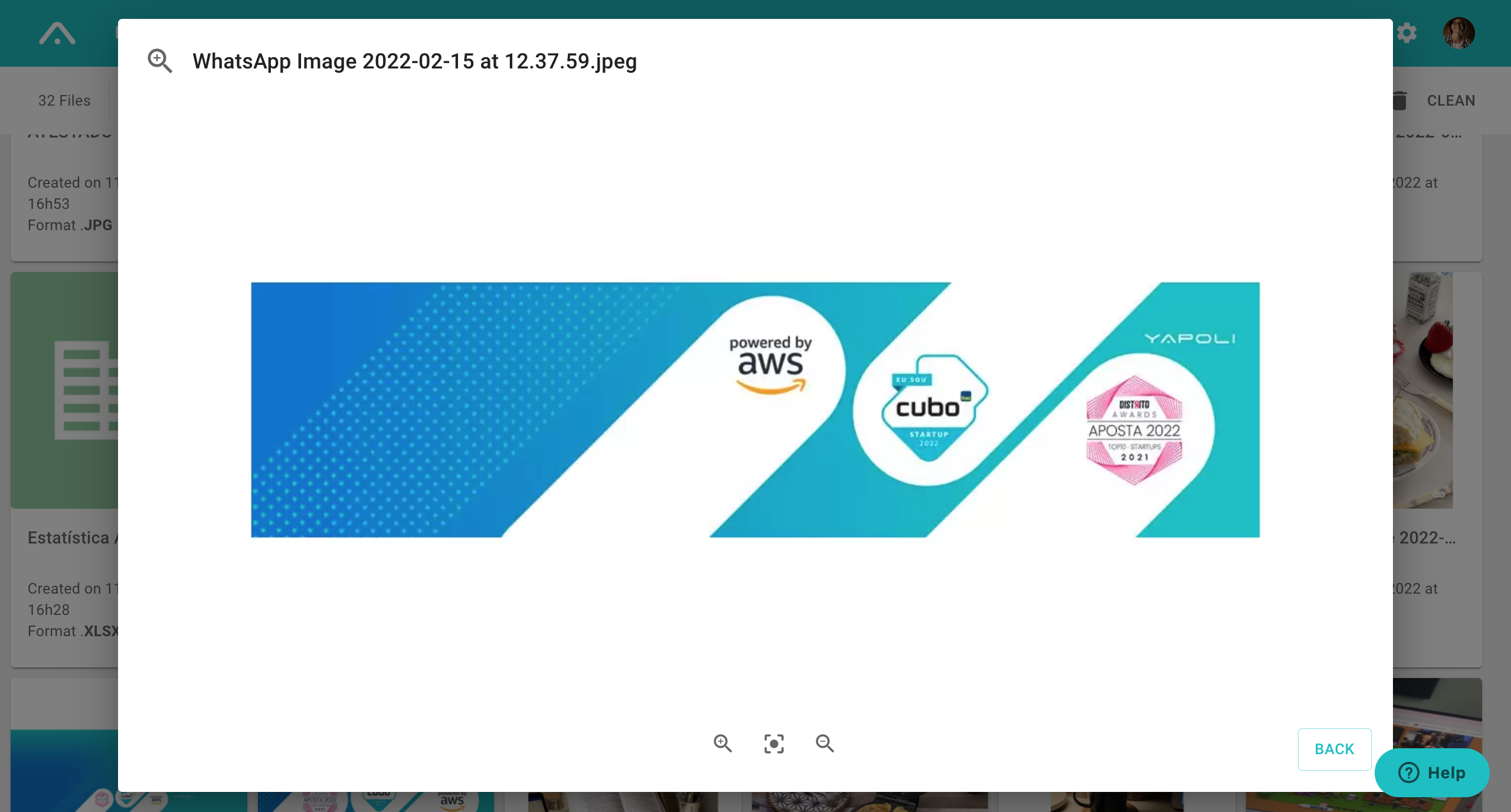
In case you want to get a better view of the asset, just stop the mouse on the card and the Zoom icon will appear.
Learn more: What is the Bucket?
How many Assets can I upload to the Bucket at the same time?
Comments
0 comments
Article is closed for comments.