
Yes, it is possible!
The Platform's content managers can hide Items when necessary by clicking on unpublish  that appears below the Item. The icon will appear crossed out and the Item will turn gray, showing that it is hidden from all other Users who do not have a Content Manager Profile. To undo the action, just click
  to publish again. It is also possible for Users with a Content Manager Profile to create already unpublished (hidden) Items, so that they are published at the right time.
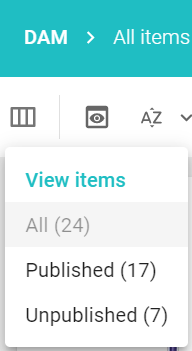
To view the items that are or are not published, just use the list filter located at the top of the platform in the left corner of the DAM.
The User can publish the desired item in the following ways:
- In the item card, on the publish icon .
- When editing
 , in publication type
 - During the validity period of the item, in publication type.
If necessary, it is also possible to add a comment when publishing or unpublishing an item explaining the reason for such action.
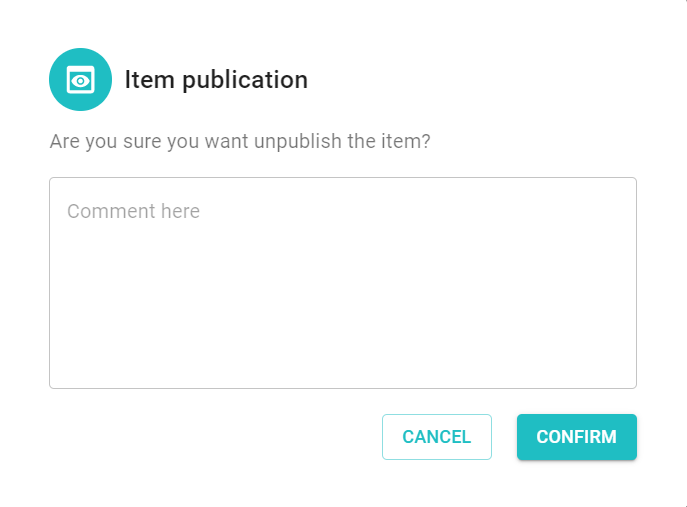
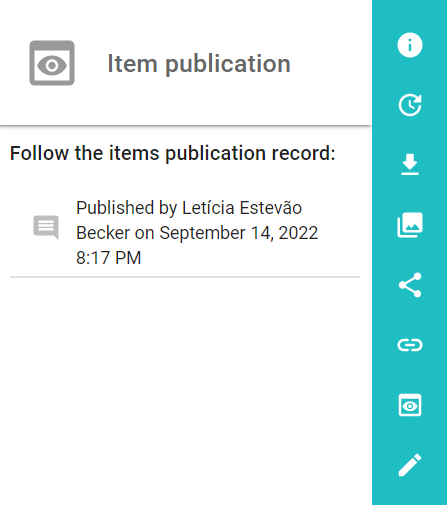
The publish and unpublish action is in the item's side menu, with the history icon where the publication actions are displayed.
To view the published or unpublished items, use the list filter located at the top left corner of the DAM.
Learn more: How to create an Item?
Comments
0 comments
Article is closed for comments.