
If you want to download just one Asset:
1st Step - Look for the Item where the Asset is located;
2nd Step - Open the Item in Details or by clicking on the item's name;
3rd Step - Locate the Asset you want;
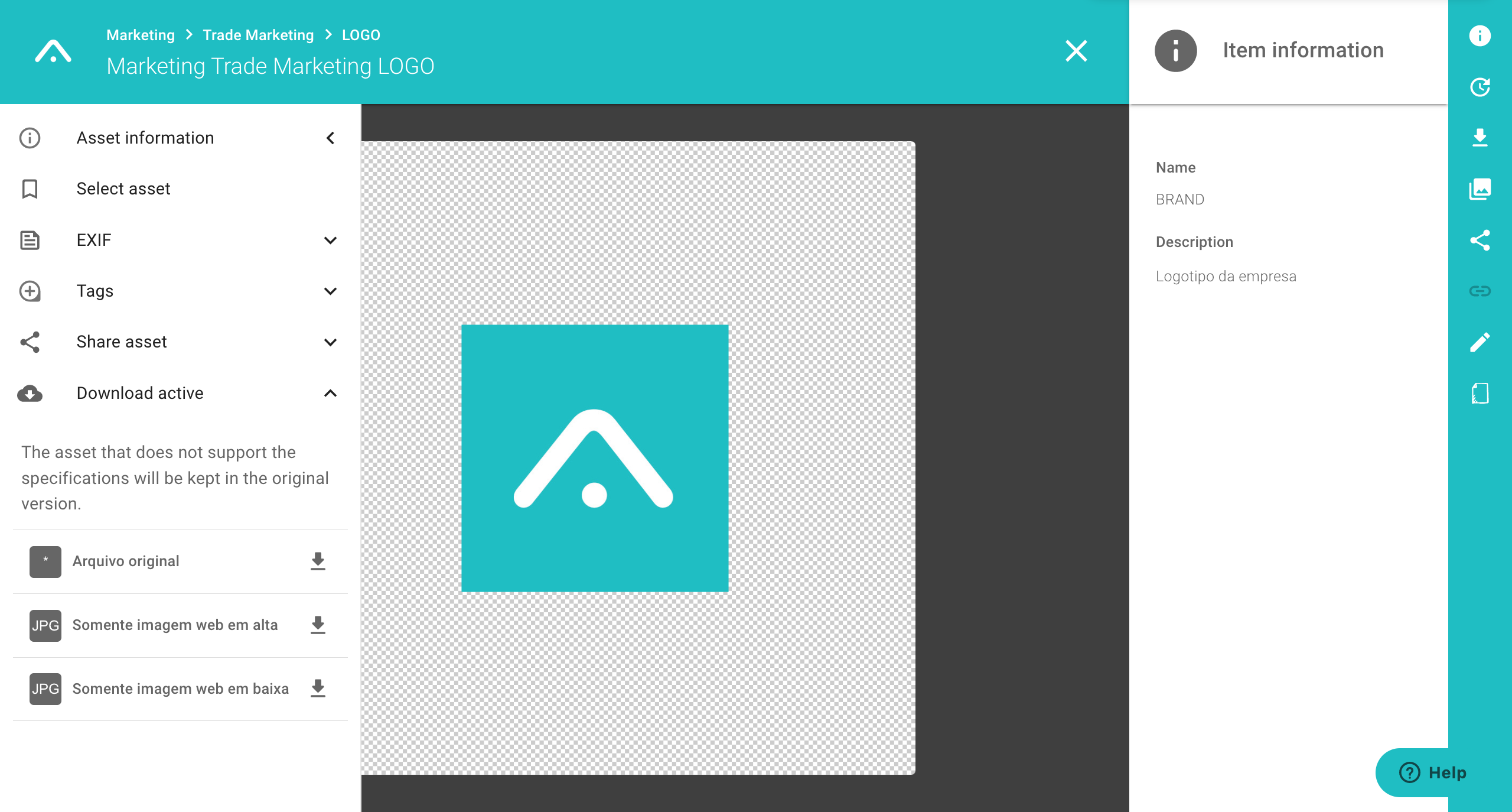
4th Step - In the Menu on the left side of the screen, click Download Asset;
4th Step - Choose the Download configuration options;
6th Step - The Asset will be downloaded immediately.
Observation:
On mobile, the download takes place in the same way, but check that your device supports the operation and that your browser's pop-up is enabled.
How to download an Item?
Comments
0 comments
Article is closed for comments.