
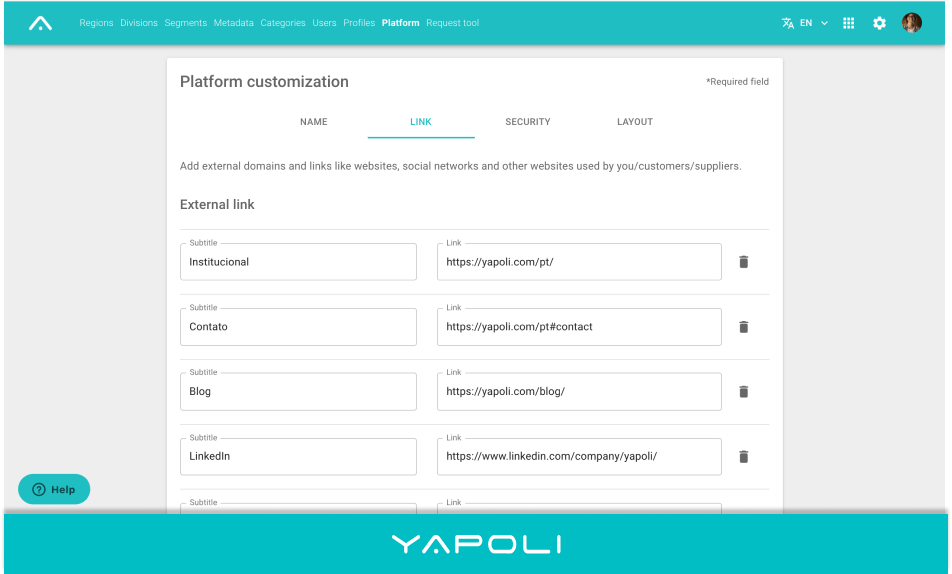
To create personalized external links is necessary to follow the steps below:
Step 1 - Click Settings
Step 2 - Click "Platform" on the page;
Step 3 - In the tab links, click the button "Add Link";
Step 4 - Put an identification name in the subtitle and the desired link in the field on the side;
Step 5 - Click Save.
Comments
0 comments
Article is closed for comments.