
The name (title) is the identification of the Platform (limit of 30 characters). The description appears in the login next to the name as a broad summary of the purpose of the Platform (limit of 80 characters).
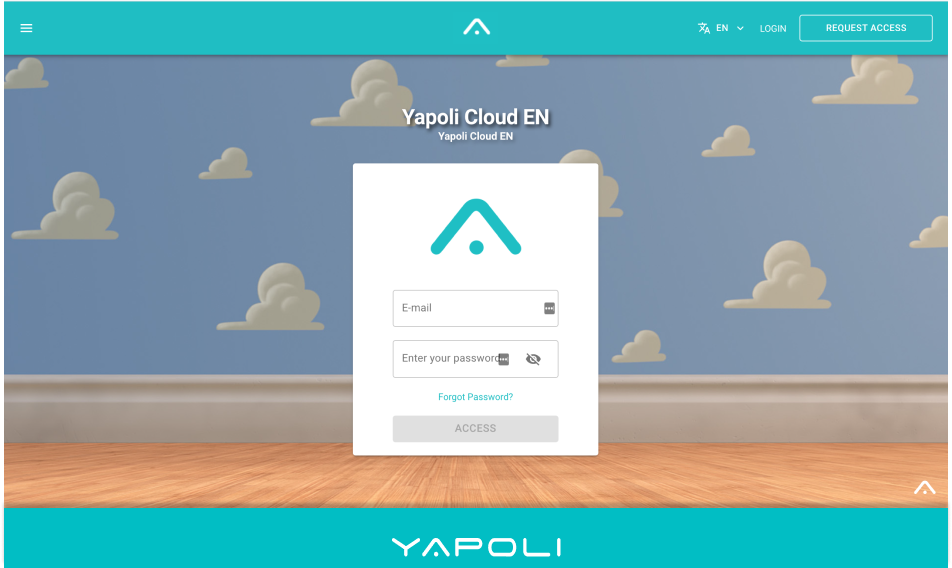
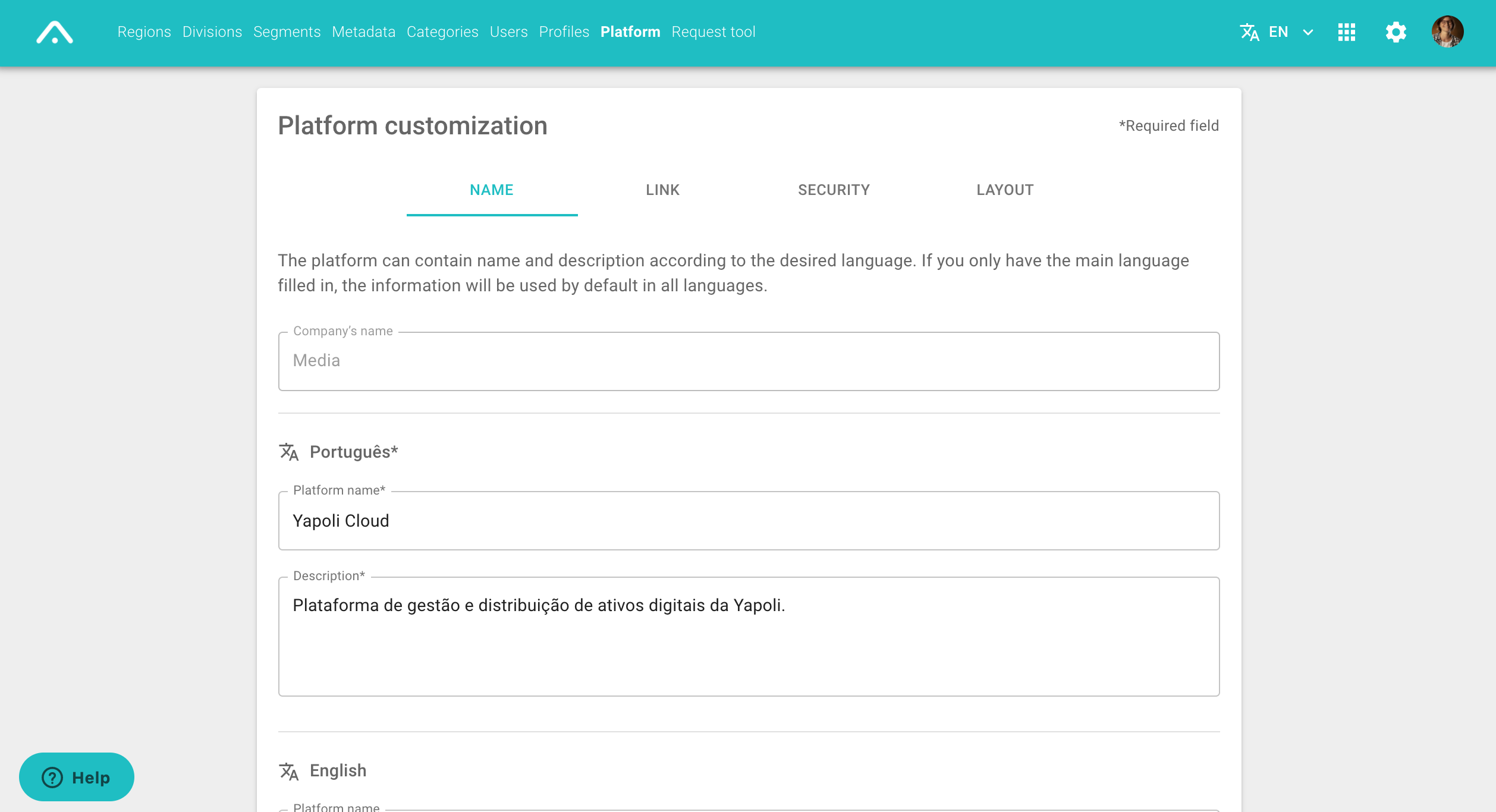
To change them, follow the steps listed below:
Step 1 - Click Settings  in the upper right corner of the screen;
Step 2 - Click on the "Platform" page;
Step 3 - In the tab NAME, fill in the desired name and description in the mandatory field in Portuguese;
If you want to, you can add the name and description in English and Spanish for users who choose these languages.
Step 4 - Save.
Comments
0 comments
Article is closed for comments.