
To configure the Platform it is necessary to follow the steps listed down below:
Step 1 - Click Settings  in the upper right corner of the screen;
Step 2 - Click "Platform" on the top bar;
On this page it is possible to customize informations such as the platform name in other languages, external links, DNS, Privacy Policy and the visual indentity (color and logo) in the order of the desired tabs.
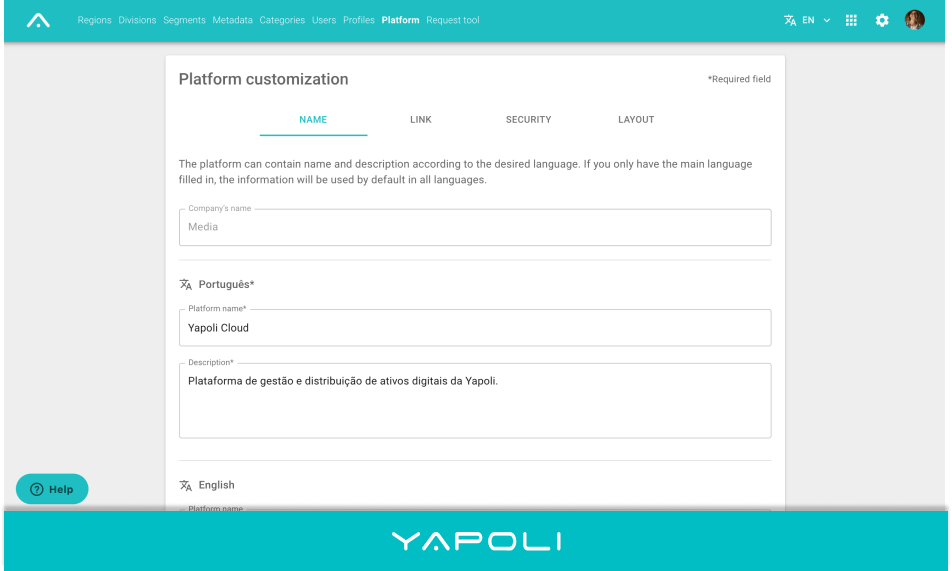
3rd Tab: NAME
Insert the name and the description of the platform in portuguese, which is the default language, and if desired in the other indicated languages.
After filling in the fields click SAVE.
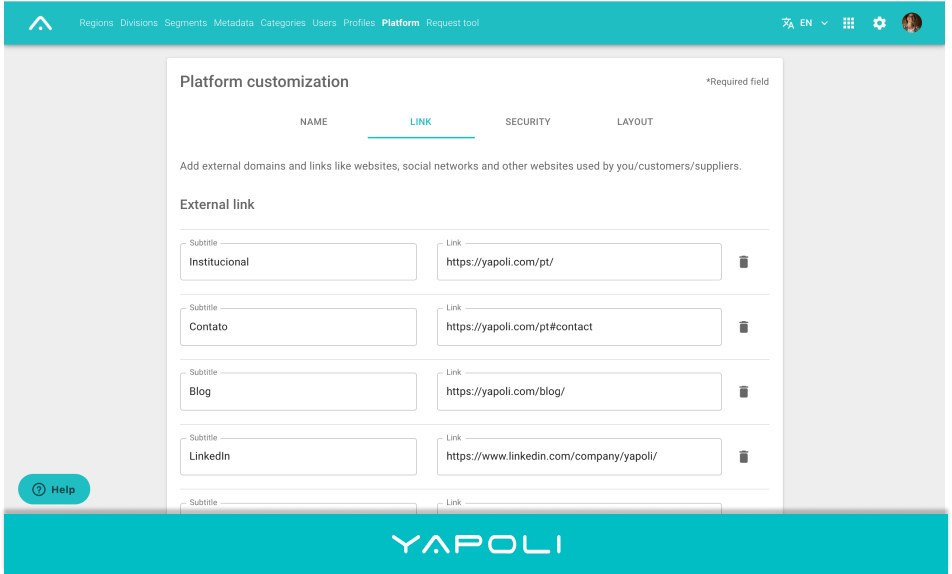
4th Tab: LINK
On this tab is possible to add the social media links and channels of your company, and also see the registered DNS (Domain Name System).
After filling in the fields click SAVE.
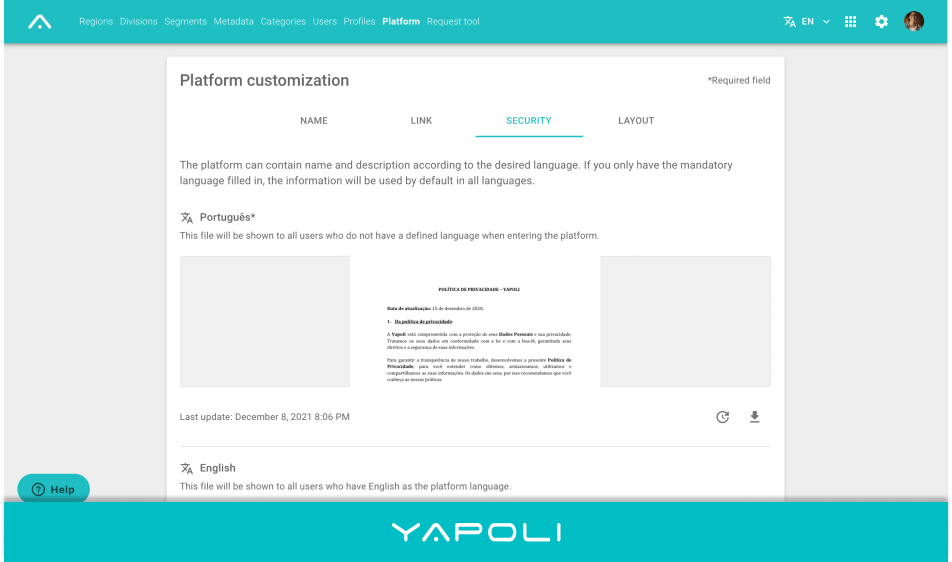
5th Tab: SECURITY
Attach the Privacy Policy in Portuguese for users to accept (or not) according to the LGPD (General Data Protection Law) and in the case of users from other regions it is possible to add the translations in English and Spanish.
Be careful: the official version for policy acceptances is in Portuguese and will only be resend when this field is changed.
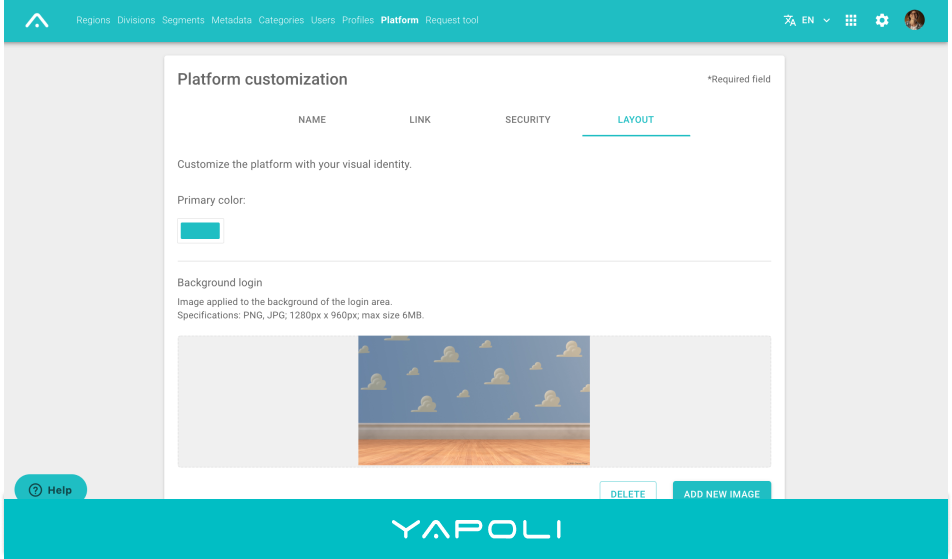
6th Tab: LAYOUT
In Layout you can add the visual identity of your company changing the primary color and logos used in your brand.
To view the alterations in any any of the tabs it is necessary to sign-in again.
Learn more: How to change the name and description of the Platform?
Comments
0 comments
Article is closed for comments.