
The primary color is the main color on the Platform. This way, you can add the color of your visual identity.
To apply follow the steps listed below:
Step 1 - Click on Settings in the upper right corner of the screen;
Step 2 - Click on "Platform";
Step 3 - Click on the LAYOUT tab;
Step 4 - In primary color, add the color code in hexadecimal or select the color you want.
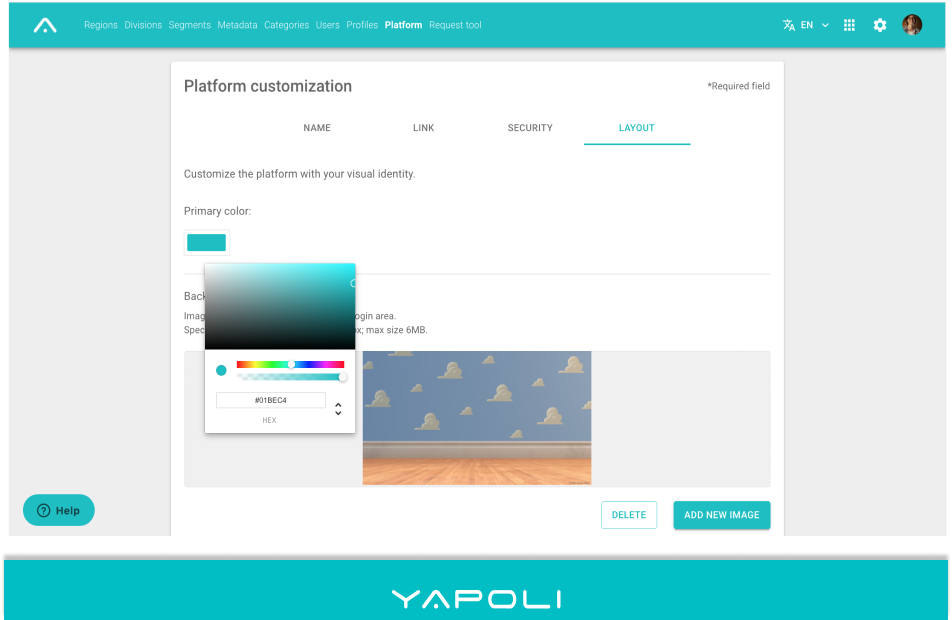
It will be automatically saved. To close just click on an area next to the color box.
NOTE: To view the change it is necessary to sign-in again.
Comments
0 comments
Article is closed for comments.