
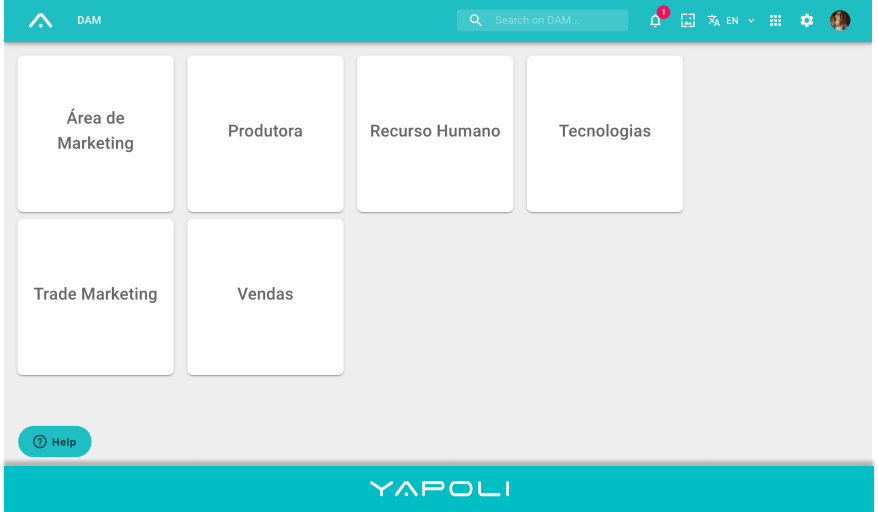
To access the FAQ within the Platform, simply click on the "Help" button in the lower left corner of the DAM;
Search and browse the questions in the same way. If you want to open it in the browser to expand the view of the prints for example, click  next to the question.
Note: If your question is not answered in our FAQ or you have problems on the platform, click the "contact us" button, fill in your data, the question or problem and send it. We will shortly answer and help.
Comments
0 comments
Article is closed for comments.