
To delete a Region first make sure that there are no Profiles linked to it, then follow the steps below:
Step 1 - Go to the "Regions" page in Settings  in the upper right corner of the screen;
Step 2 - Click on the delete  icon;
icon;
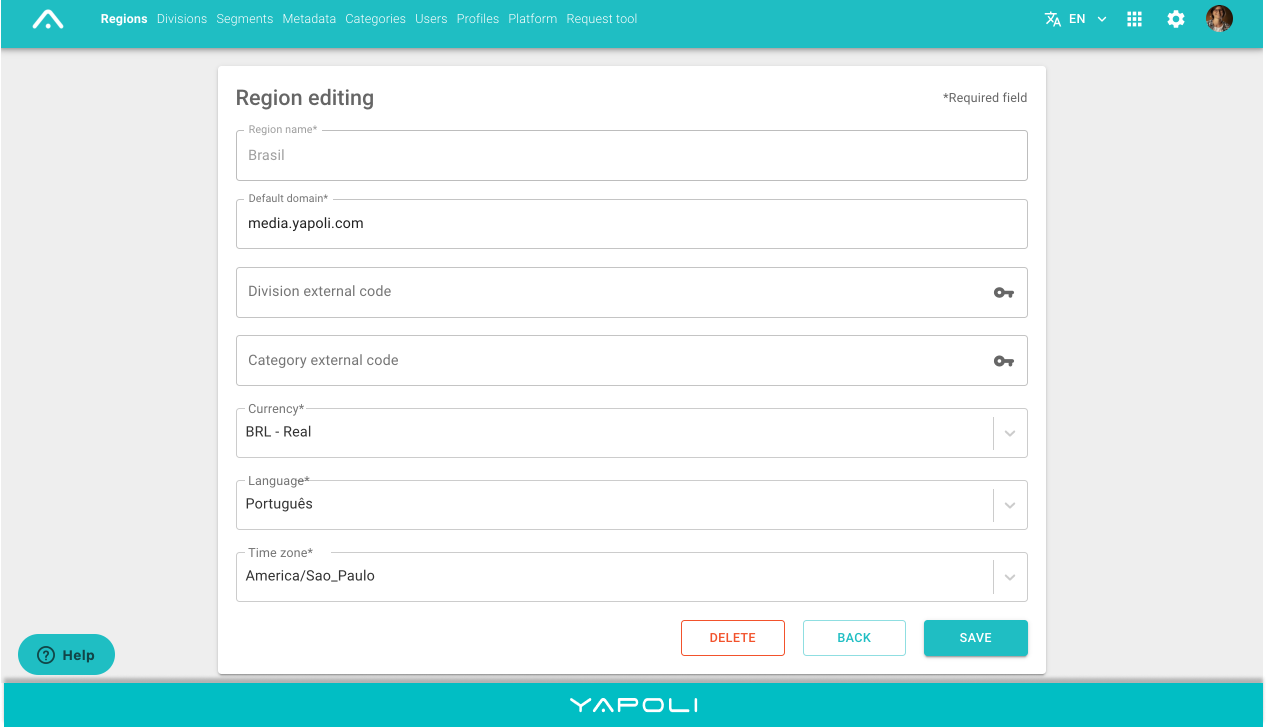
Step 3 - Confirm and Save.
Comments
0 comments
Article is closed for comments.