
To delete, first make sure that there are no Items linked to this Segment, if there is the exclusion will not be done:
Step 1 - Click Settings  in the right corner of the screen;
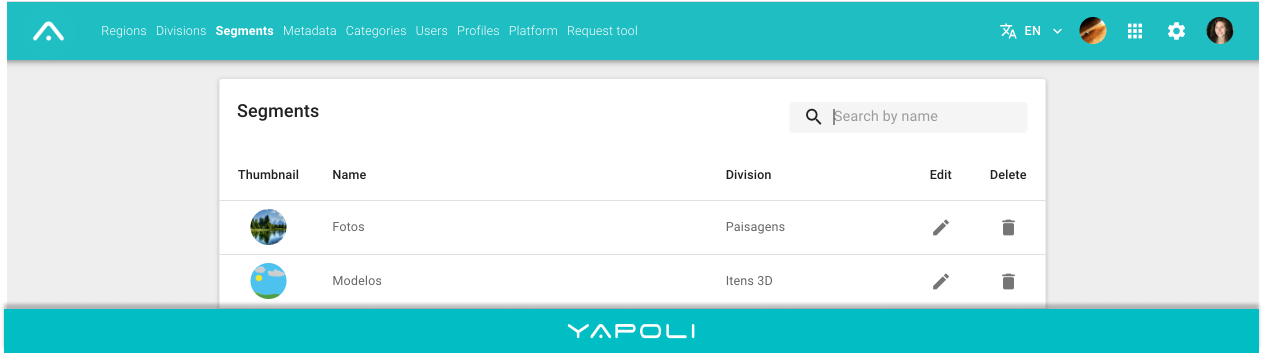
Step 2 - Click on the "Segments" page;
Step 3 - If you don't find it directly in the list, you can Search  by name;
Step 4 - Click on the delete  icon;
icon;
Step 5 - Confirm.
Comments
0 comments
Article is closed for comments.