
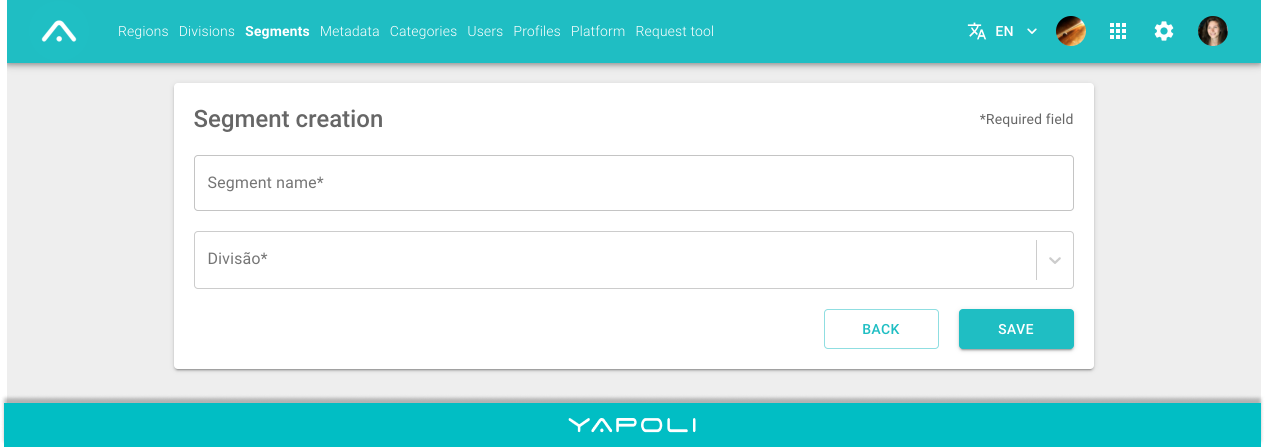
To create a Segment:
Step 1 - Click Settings  in the right corner of the screen;
Step 2 - Click on the "Segments" page;
Step 3 - Add a new registration by clicking on  in the lower right corner of the screen;
Step 4 - Then enter the Name and the Division to which the Segment will be linked in the taxonomy;
Step 5 - Save.
Comments
0 comments
Article is closed for comments.