
To add or change a the thumbnail of a Segment:
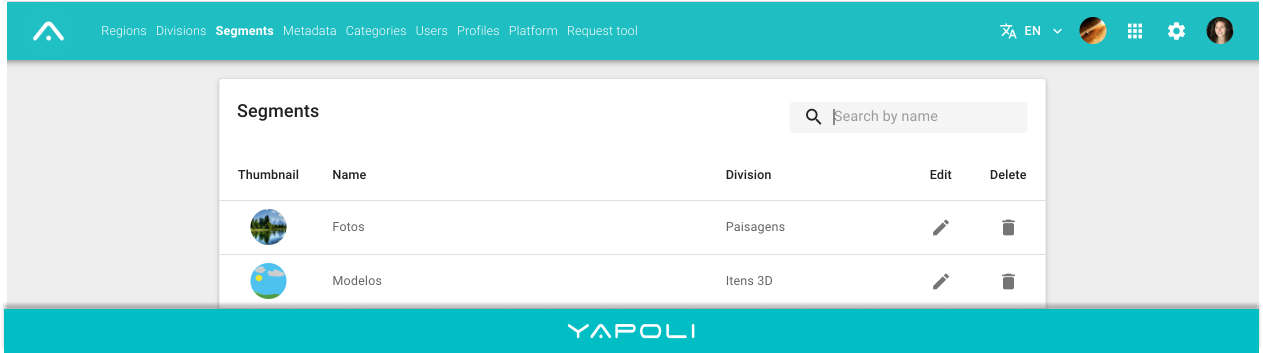
Step 1 - Click Settings  in the right corner of the screen;
Step 2 - Click on the "Segments" tab;
Step 3 - Search  by name and click on the image of the desired Segment;
Step 4 - Select a file to upload by dragging or clicking on the appropriate space;
You can select the same image for the three languages (Portuguese, English, Spanish) or add different images for each of them.
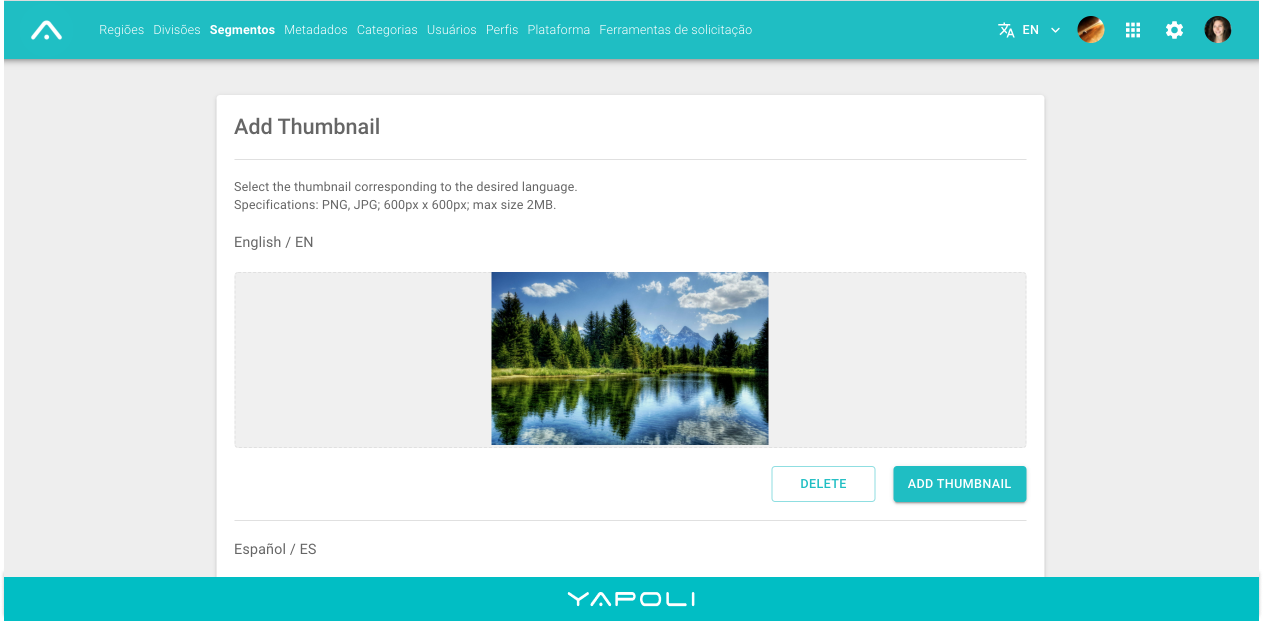
Step 5 - Wait for the upload to be automatically confirmed .
NOTE: Try not to load images that are too heavy, they can disrupt the performance of the Platform.
Comments
0 comments
Article is closed for comments.