To change information in Segment:
Step 1 - Click Settings  in the right corner of the screen;
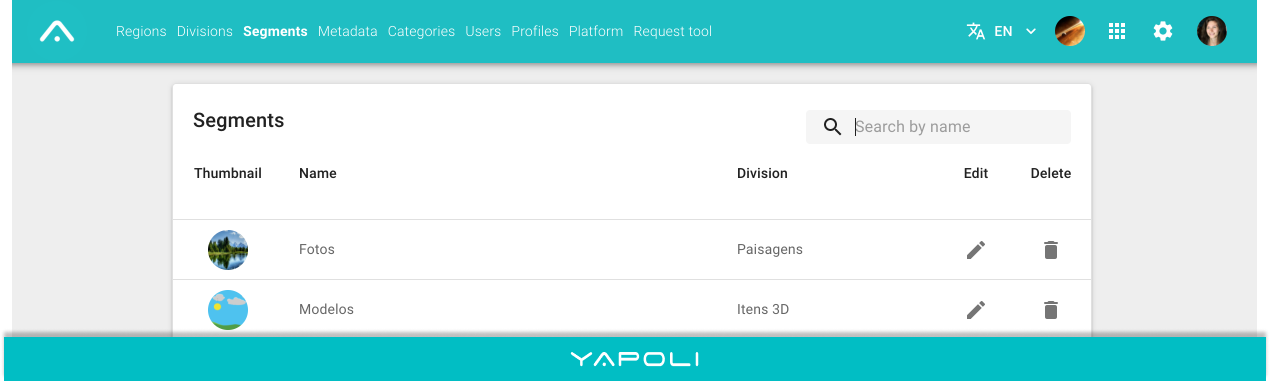
Step 2 - Click on the "Segments" page;
Step 3 - Click on the edit  icon;
icon;
Step 4 - Edit the necessary data;
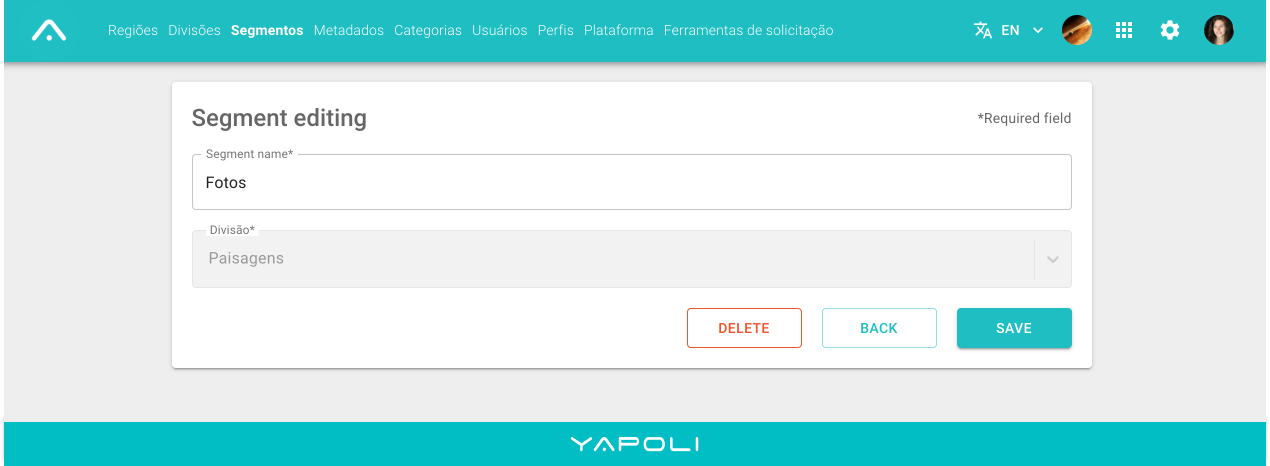
Step 5 - Save.

To change information in Segment:
Step 1 - Click Settings in the right corner of the screen;
Step 2 - Click on the "Segments" page;
Step 3 - Click on the edit icon;
Step 4 - Edit the necessary data;
Step 5 - Save.
Comments
0 comments
Article is closed for comments.