
To link a specific tool to a certain Category, follow the steps listed down below:
Step 1 - Click Settings  in the upper right corner of the DAM;
Step 2 - Go to the 'Categories' tab;
Step 3 - Edit  or create
  a new Category;
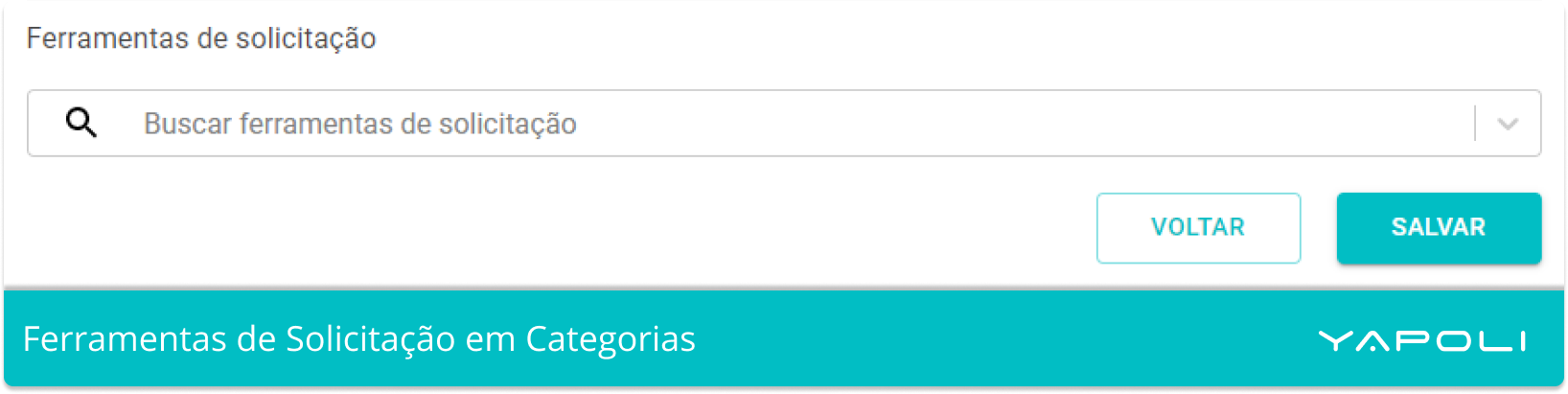
Step 4 - At the end of the page, search for the desired tool and select it;
Step 5 - Click Save.
Learn more: How to create an Application Tool?
Comments
0 comments
Article is closed for comments.